Step 1: Download the APK
Open the download page, choose the correct HDO Box APK build, and wait for the file to finish fully before opening it.
Tip: Use Wi-Fi if your connection is unstable. The current APK is listed as 25 MB.
Download HDO Box APK for Android, Firestick, Fire TV, Android TV, PC, and Windows. This page also explains built-in player support, subtitles, buffering fixes, and what iPhone users should know.
v4.3.5 - 25 MB - Android 7.0+
Install APK files only from sources you trust. Check the file name, version, size, and permissions before installing.
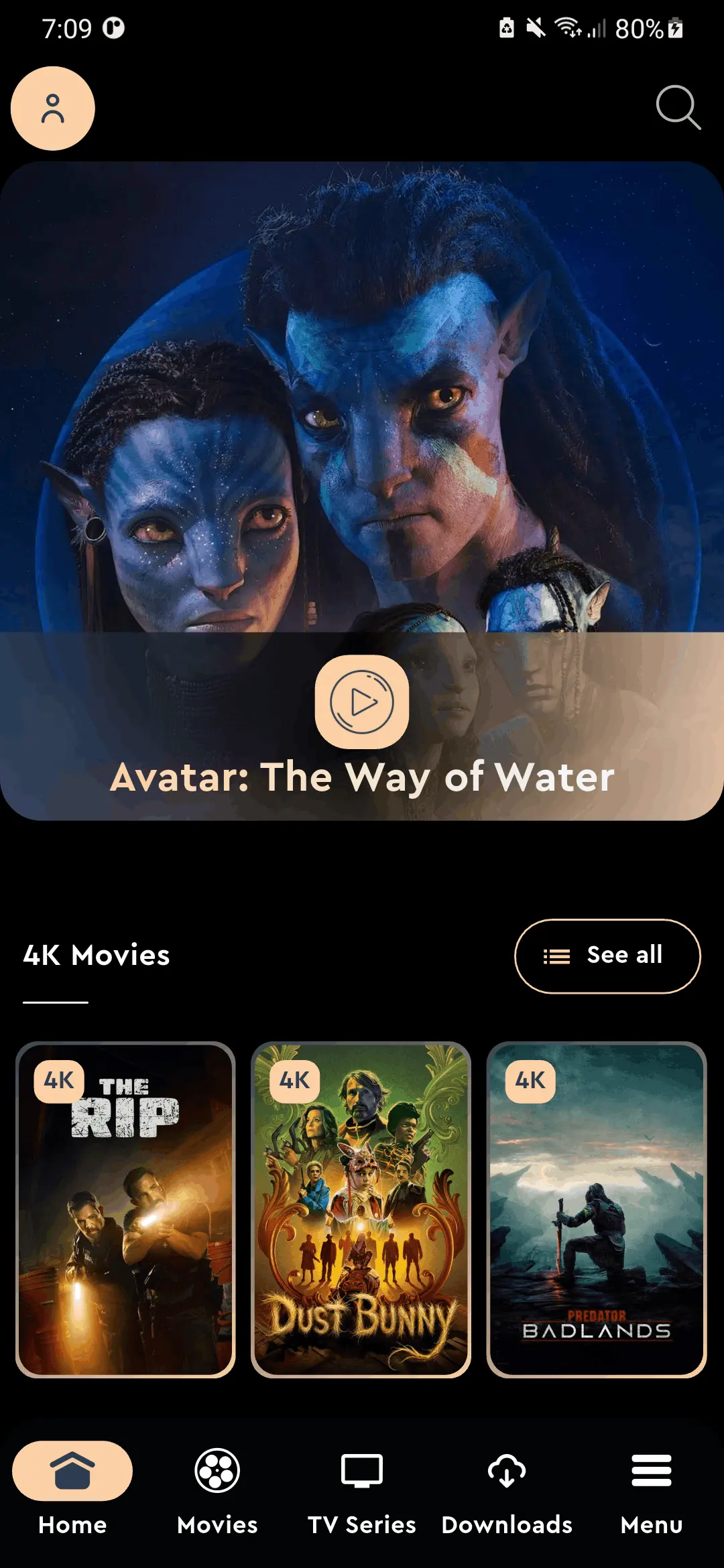
Seven real screens from inside HDO BOX. No stock photos, no marketing renders — just the actual interface.
01 / 07
Trending movies, featured picks, and personalized recommendations — all at a glance the moment you open the app.
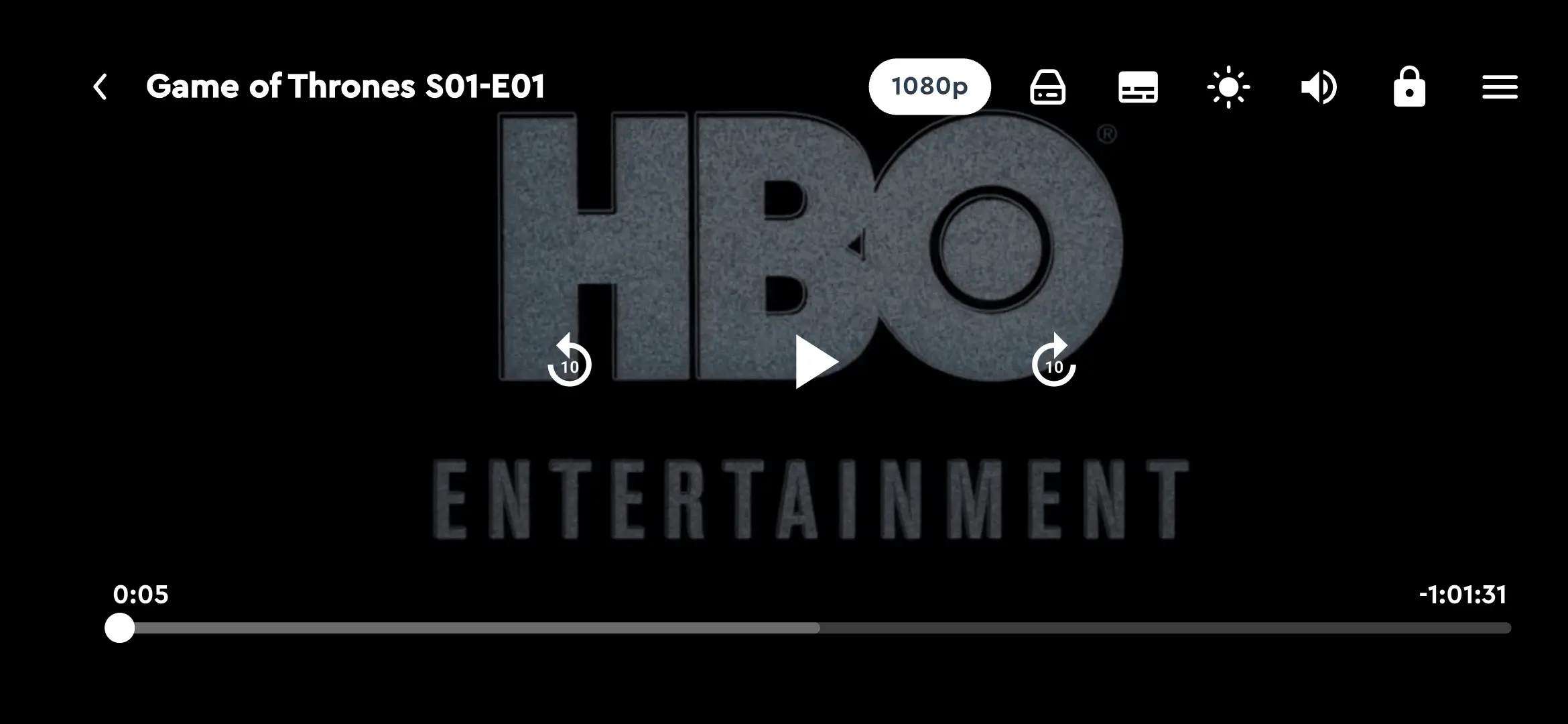
HDO Box playback guidance covers source switching, quality selection, built-in subtitles, buffering fixes, and video player troubleshooting for Android phones, tablets, and TV devices.
Check compatibility, APK size, Android requirements, player notes, and permissions before installing HDO Box on your device.
INTERNETLoads app data, sources, and playback requestsREAD/WRITE STORAGEUsed by some Android versions for cached files and downloadsWAKE_LOCKHelps keep playback active during viewingFOREGROUND_SERVICECan support active download or player tasks on newer Android buildsAPK install safety note
Android shows an unknown apps prompt for any APK installed outside the Play Store. That prompt is normal, but you should still review the source, version, file size, and permissions.
These Android APK steps also apply to many Firestick, Fire TV, and Android TV workflows when using a downloader or file manager.
Open the download page, choose the correct HDO Box APK build, and wait for the file to finish fully before opening it.
Tip: Use Wi-Fi if your connection is unstable. The current APK is listed as 25 MB.
Open Android settings and allow installs for the browser, file manager, or downloader app you used. The exact setting name varies by Android version.
Tip: You can disable this permission again after installing the APK.
Tap the downloaded APK, follow the installer, then open HDO Box. The app includes a built-in media player, so you can test playback without installing another player app.
Tip: If install fails, check storage, Android version, and whether you selected v8a or v7a correctly.
Android warning during install
Android may warn about apps installed outside the Play Store. That warning is about the install method. Review the APK details and permissions before continuing.
These checks cover the problems users search for most: APK install errors, built-in player playback, buffering, subtitles, and iOS confusion.
Use the listed version, file size, and ABI notes to choose between arm64-v8a and armeabi-v7a. Picking the wrong build is a common reason APK installation fails.
Android blocks APK installs until you allow the browser, file manager, or downloader app you are using. Turn the permission off again later if you prefer.
Firestick and Fire TV users should install from a trusted downloader workflow, then test navigation and playback with the TV remote.
HDO Box includes a built-in media player for movies and TV shows. If video does not start, clear cache, switch sources, restart the app, or update the APK.
Buffering can come from the source, server load, Wi-Fi, or device cache. Try another source, restart the router, clear cache, and lower playback quality.
An APK cannot be installed directly on iPhone or iPad. Avoid pages that ask you to install profiles or fake APK launchers for iOS.
Answers for choosing the right HDO Box APK build, installing on Android, and sideloading on Firestick or Fire TV.
Most modern Android phones, Android TV devices, and newer Fire TV devices use arm64-v8a. Older 32-bit devices may need the armeabi-v7a build.
Download the latest HDO Box APK build for your Android device, then use the installation guide for Firestick, Android TV, PC, built-in player playback, subtitles, and buffering fixes.
v4.3.5 - 25 MB - Android 7.0+ - arm64-v8a and armeabi-v7a
Follow official channels for update notes, community help, and quick announcements.